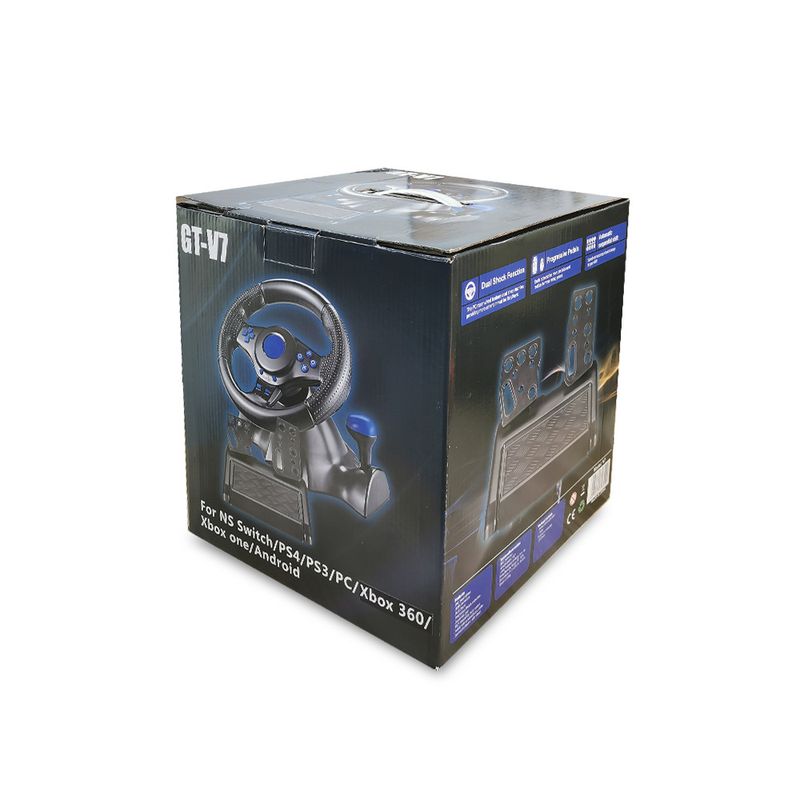
Full View
Similar items
SWITCH/OLED Protective Case NS Game Theme Animal Crossing Storage Bag Portable Tempered Glass Screen Protector Joystick
DKK37.13
DKK55.67 -33% OFF

For PS5 Pro/PS5 Slim Fan Cooling Game Accessories
DKK44.29
GAMINJA 6-axis Gyroscope Dual Vibration With Touch Pad Wireless Gamepad Bluetooth Controller For PS4 PS3 Console
DKK43.98
DKK45.52 -3% OFF
Private Switch Android TV Computer Game Wireless Bluetooth PS4 SZ-932B Controller
DKK51.90
DKK76.51 -32% OFF
PS4 PS3 Switch PC PC360 Android Multi In One Wired Game Controller
DKK47.44
DKK73.97 -35% OFF
G6 Game Controller Wireless Bluetooth Hall Joystick Linear Vibration Motion Sensing Switch Android PC Super
DKK49.78
DKK62.25 -20% OFF
Suitable For X3 Joystick Wireless 3.0 Android Gamepad
DKK58.63
DKK75.24 -22% OFF
2.4G Wireless Bluetooth Gamepad PC Controller For PS3/PS
DKK64.66
DKK82.19 -21% OFF
For PS5 Pro/PS5 Slim Fan Cooling Game Accessories
DKK41.25
DKK52.74 -21% OFF
10PCS Electromagnetic High Precision No Drifting Hall Effect Thumb Sticks Joystick Rocker Module For PS4/PS5/Xbox
DKK27.30
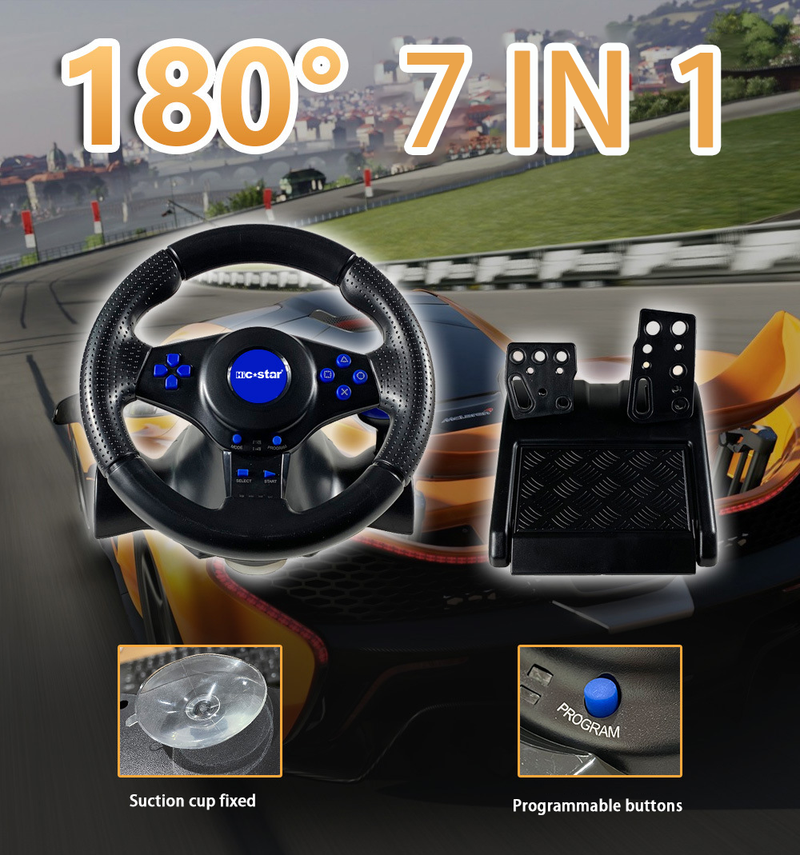
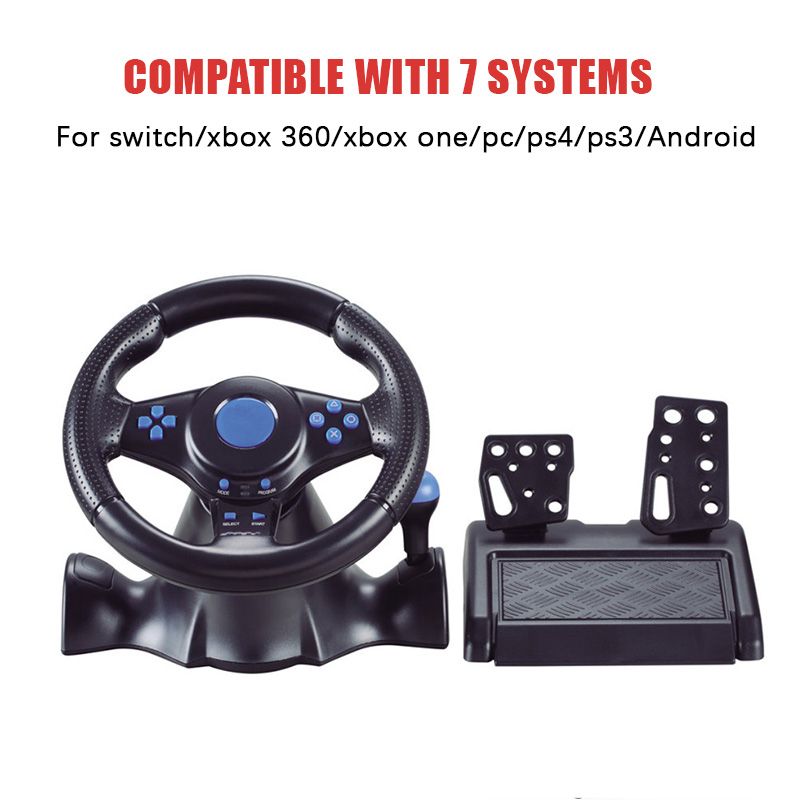
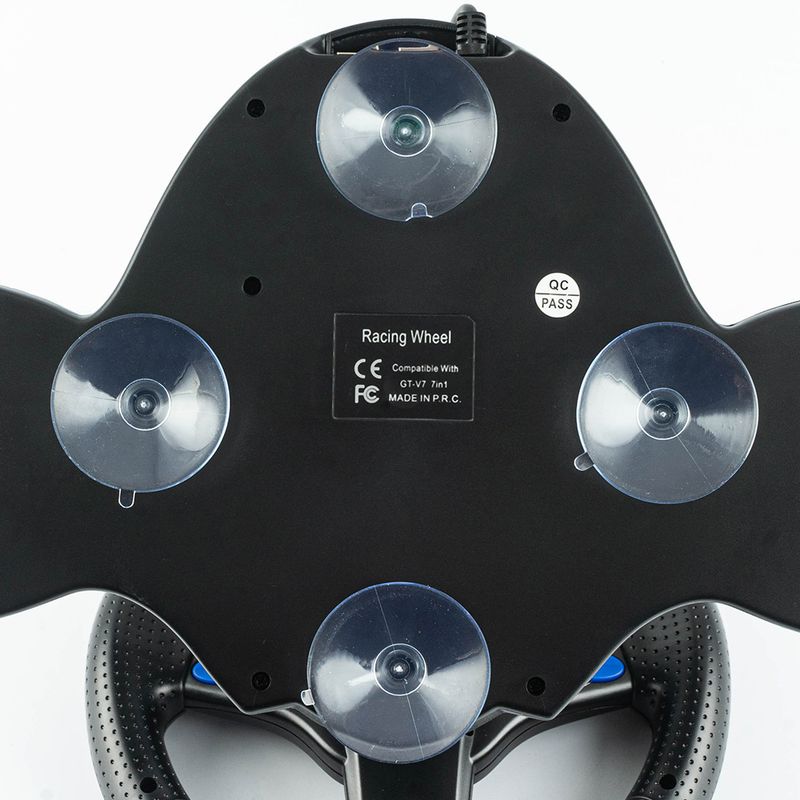
Steering Wheel Vibration Controller 7 In 1 Game Simulation Racing Pedals For Switch/xbox 360/xbox One/pc/ps4/3/Android
DKK935.28DKK1,290.53
Color : 3 in 1


Quantity :

Report
Include copyright infringementFree Standard Shipping. See details
Estimated between Fri, Aug 7 and Wed, Aug 12
You can return the product within 30 days of receipt. See details
Shop with confidence

Money Back Guarantee
Get the item you ordered or your money back. Learn more
About this item
Sourced from CoreBox
Seller assumes all responsibility for this listing.Item number: 32157410
Item specifics
Plug Type
None, Eu Plug, Us Plug
Battery Attributes
No Battery Included
Item description from the seller
How to choose compatible version for your game console :
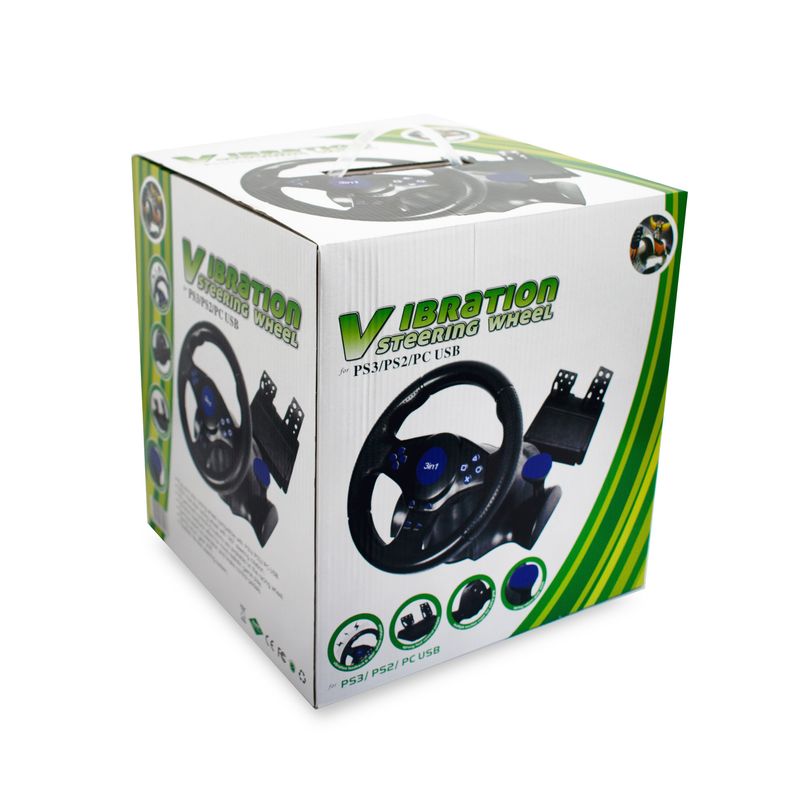
The 3 in 1 option means it is for PC / PS2 / PS3
Note: You need to download the driver when connecting 3in1 to PC
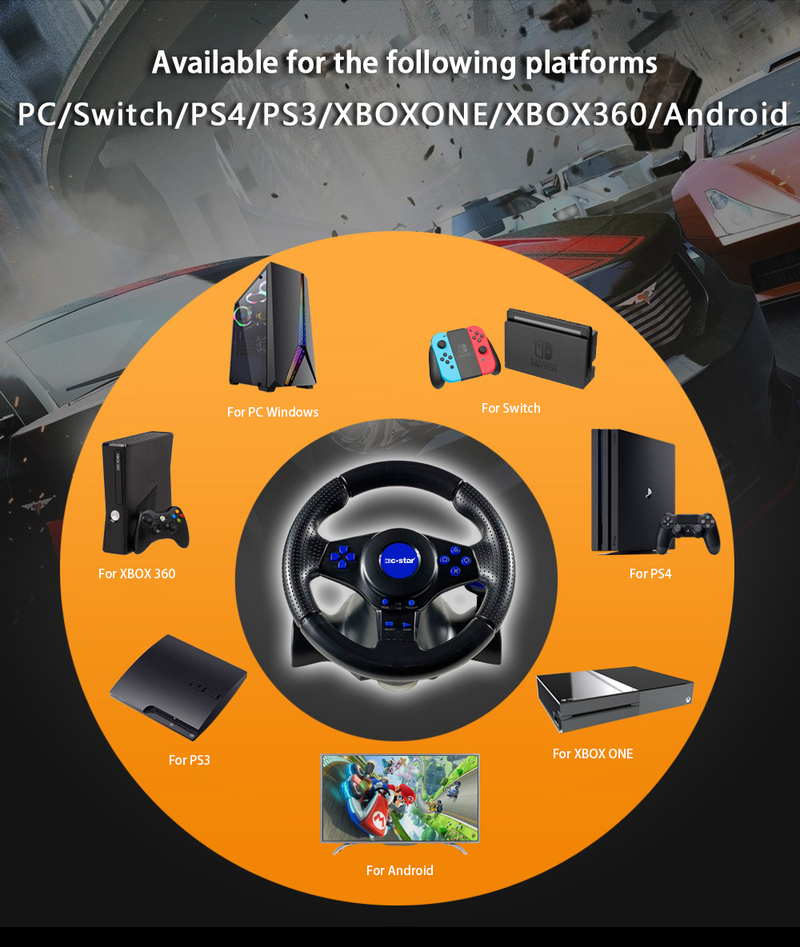
The 7 in 1 option means it is for PC / PS3 / Xbox 360 and Xbox one / PS4 / Switch / Android
How To Connect To PC
a Plug the USB cable of the steering wheel into the computer.
b One channel LED on the steering wheel is always on
c In PC, X input is recognized as default mode.
Press the HOME button for 3 seconds to toggle between X input and D input.
d Install the driver when using D input mode.
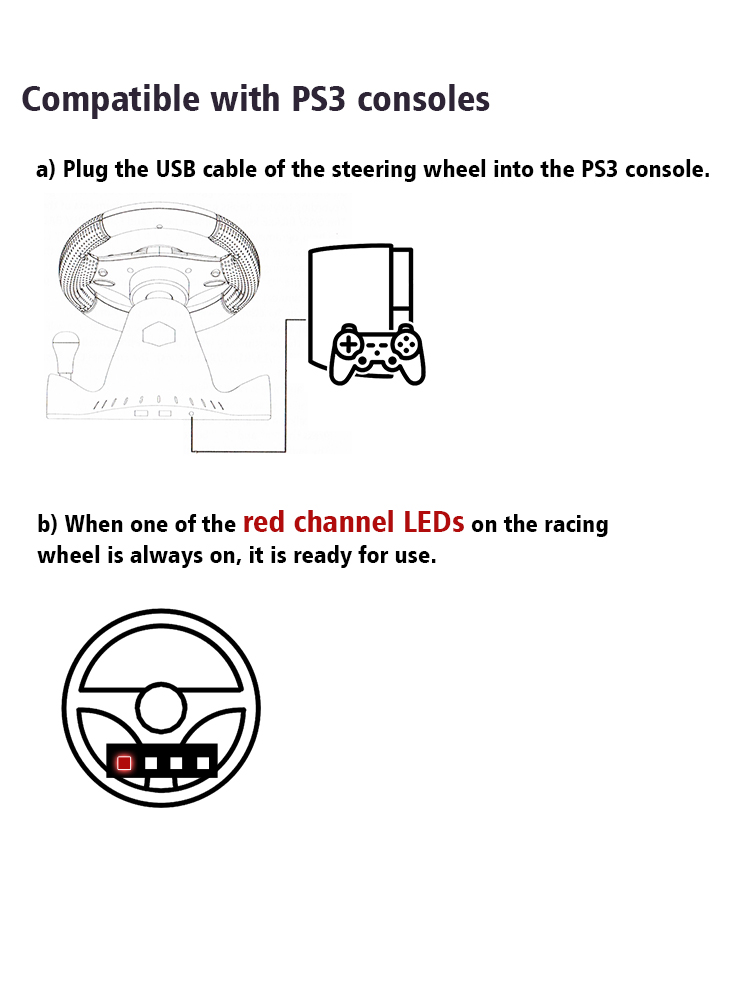
How To Connect PS3
a Plug the USB cable of the steering wheel into the console for PS3.
b When one of the red channel LEDs on the racing wheel is always on, it is ready for use.
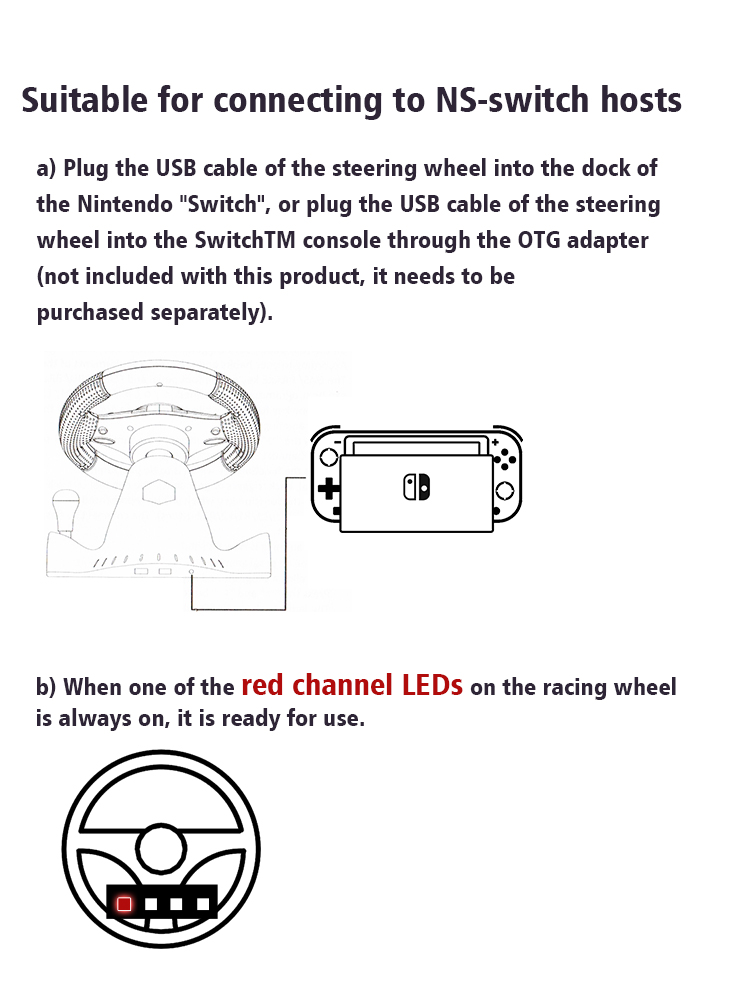
How To Compatible- Switch
a Plug the USB cable of the steering wheel into the dock of the compatible- Switch, or plug the USB cable of the steering wheel into the SwitchTM console through the OTG adapter not included with this product, it needs to be purchased separately.
b When one of the red channel LEDs on the racing wheel is always on, it is ready for use.
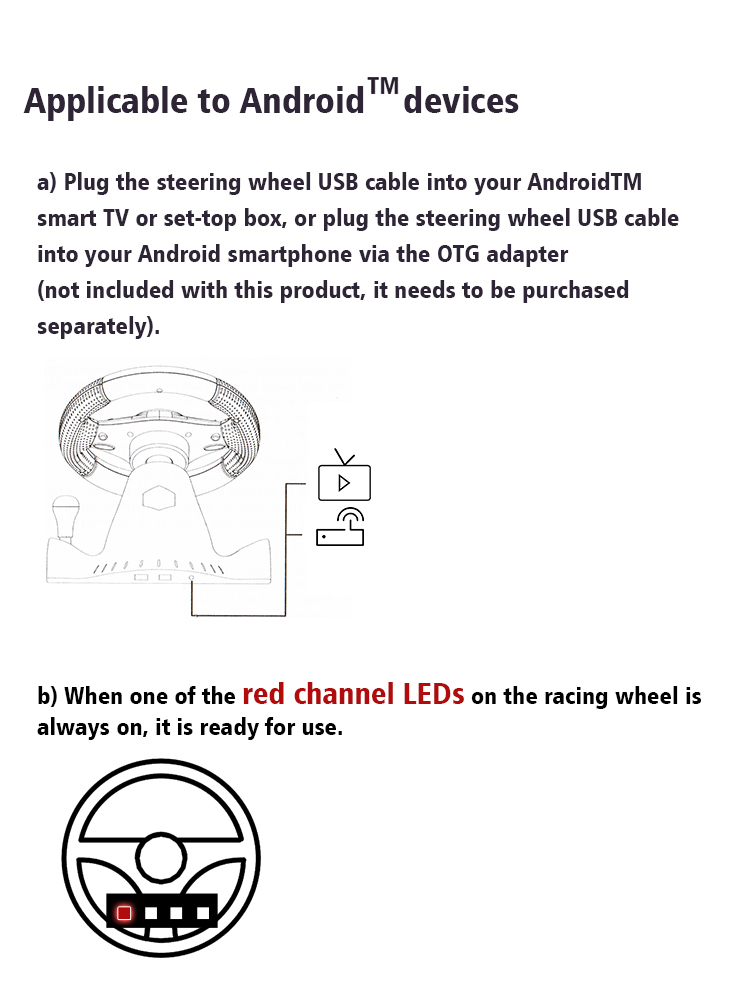
How To Connect Android Devices
a Plug the steering wheel USB cable into your Android TM smart TV or set-top box, or plug the steering wheel USB cable into your Android smartphone via an OTG adapter not included with this product, which needs to be purchased separately.
b When one of the red channel LEDs on the racing wheel is always on, it is ready for use.
How To Connect PS4/Xbox One Consoles
a Connect the appropriate original game controller or a third-party compatible game controller to the USB Type-A port on the rear of the steering wheel.
b Plug the USB cable of the steering wheel into the game console.
Packge Included
Please select the corresponding one for your game console.
1* Steering Wheel
1* Pedals